Daily Spin
3 min read
Daily Spin picks a number of pages or minutes for you to read today. Spin once from Home, read, then tap the ring to mark it done.
Spinning
On Home, the streak band has a Daily Spin slot. Before you spin it says Spin. Tap it, slide the dog along the track and let go, or tap Tap to spin instead. The reels stop on your number, and it stays on Home until midnight.
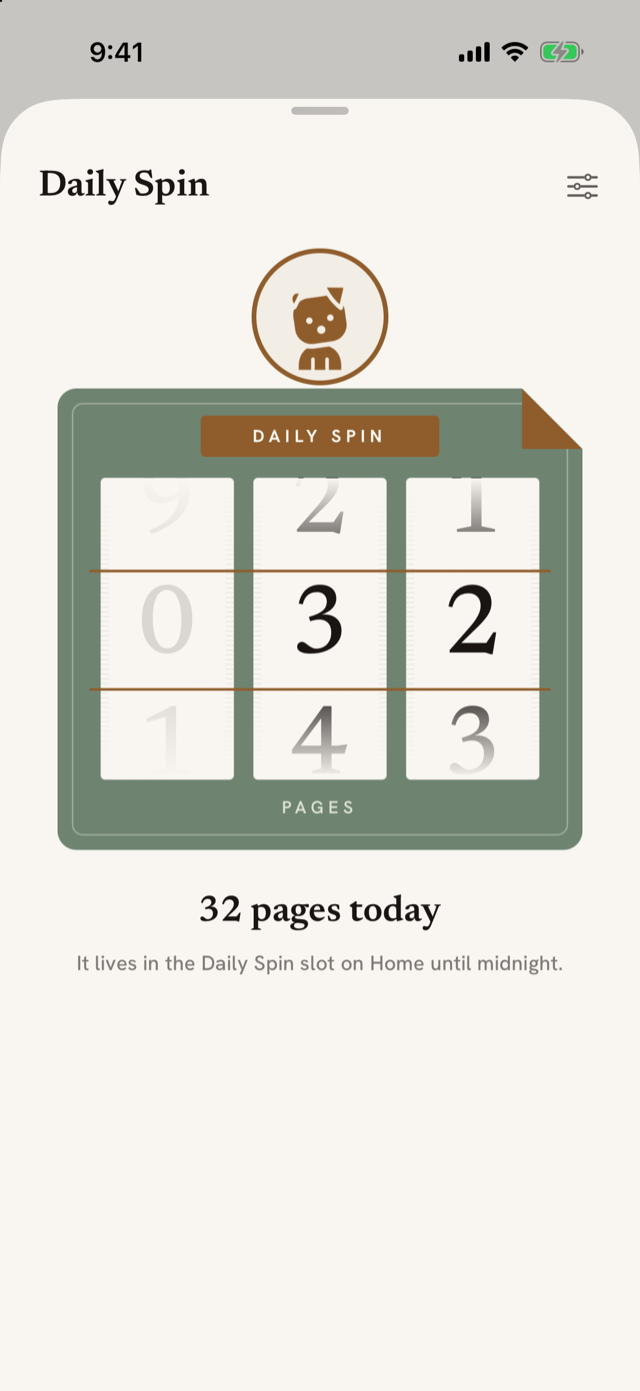
You get one spin a day. Opening it again shows today's number.
Pages or minutes, and the range
Tap the gear next to the Daily Spin title to open Your Daily Spin. Choose Pages or Minutes, pick one of the ranges, or set Fewest and Most yourself, anywhere from 1 to 999. Changes start with tomorrow's spin. Today's number stays.
The same settings are in Profile, under Preferences, in Daily Spin, along with Spin sounds: soft ticks while the reels turn, off to start with, and silent when your phone is.
Marking it read
Once you have spun, Home shows your number, like 32 pages, with a round check beside it. When you have read, tap it. The check fills in. Tapped it by mistake? Tap it again the same day to undo.
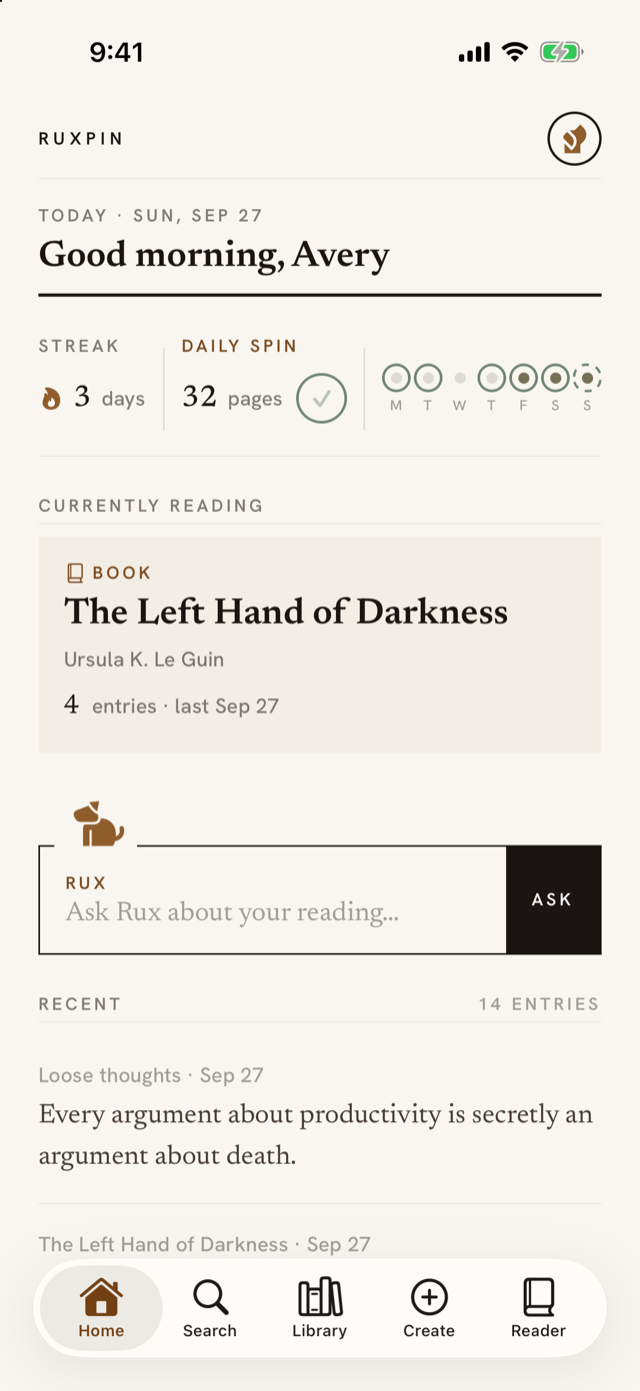
If you forget, you have until noon the next day. Home shows a line under the band, and Mark them read marks yesterday. After noon the line goes and yesterday stays unmarked.
When you mark today read on Home, a small card asks whether anything stayed with you from the book you are reading:
- Record a thought opens the recorder, filing to that book.
- Later closes the card and leaves Anything stay with you? Say it under the streak until midnight.
- The × closes it for today.
- Don't ask again stops the card. To bring it back, turn on Ask for a thought in Profile, Daily Spin.
What the rings mean
The dots in the band still mean a day you recorded an entry, and your streak still counts those days. A day you marked your Daily Spin read gets a sage ring around its dot. Marking your pages read doesn't add to the streak, and leaving them unmarked doesn't break it.
If your streak counts weeks rather than days, there are no rings, and the slot works the same.
Reminders
After your first spin, Ruxpin asks whether you want reminders. There are two, and each one is optional:
- Morning spin, 8:00 AM to start with. Skipped on days you've already spun.
- Evening check-in, 7:30 PM to start with. Only if you spun and haven't marked it read. Press and hold it for a Mark read button.
Change either time, or turn one off, in Profile, Daily Spin. If notifications for Ruxpin are off in iOS Settings, that screen says so and gives you an Open Settings button.
The widget and the lock screen
Daily Spin has its own widget. Add it to your Home Screen or lock screen like any widget, with iOS 17 or later; the lock screen widget walks through it. Tap its ring to mark today read, or anywhere on the lock screen version. Before you spin, tapping it opens Daily Spin.
After you spin, your number also shows on the lock screen as a Live Activity. Tap it to mark the day read without opening Ruxpin. Your iPhone asks for Face ID or your passcode first, as iOS requires for lock screen buttons. It leaves at midnight or soon after you mark the day read, and comes back if you undo on Home. If it never appears, allow Live Activities for Ruxpin in iOS Settings.
Turning it off
In Profile, Daily Spin, turn off Show on Home. That hides the slot and the rings, empties the widget and stops the reminders. Your past spins are kept.