Getting started: your first capture
3 min read
Ruxpin is for the thought you have while reading. Speak it before it slips.
Your first time in
The first screen after you sign in is headed Ruxpin uses AI.: it asks for your OK to send thoughts to Google's Gemini AI service, and AI processing and your OK has the whole disclosure. Then Ruxpin invites you straight into one guided capture: ● Speak your first thought, with a prompt to say what you're reading as you go: "In Meditations, Marcus Aurelius says…". Naming the book lets Ruxpin file that first entry under it automatically. Rather type it? I'd rather type it opens the same screen in Write mode. Not ready? Skip for now drops you straight on Home, and nothing here is required.
This invitation shows once. Every later capture works as described below.
Once that first entry is filed, Ruxpin puts you in it, inside your Library. A short card follows, naming the four places worth knowing: Rux (the round button at the top right, where your profile, help and anything you want to ask live), Create, Library and Reader. One screen, shown once, and Skip is always there.
Every capture
Open the Create tab and pick what you are adding: an Entry, a Source, or an Artifact Rux makes from your entries. Tap Entry, then record. Talk as you would to a friend about the page you just read: the idea, the objection, the line that stopped you. Recordings run up to three minutes. Prefer typing? Switch to Write. Upload brings in a voice memo recorded elsewhere.
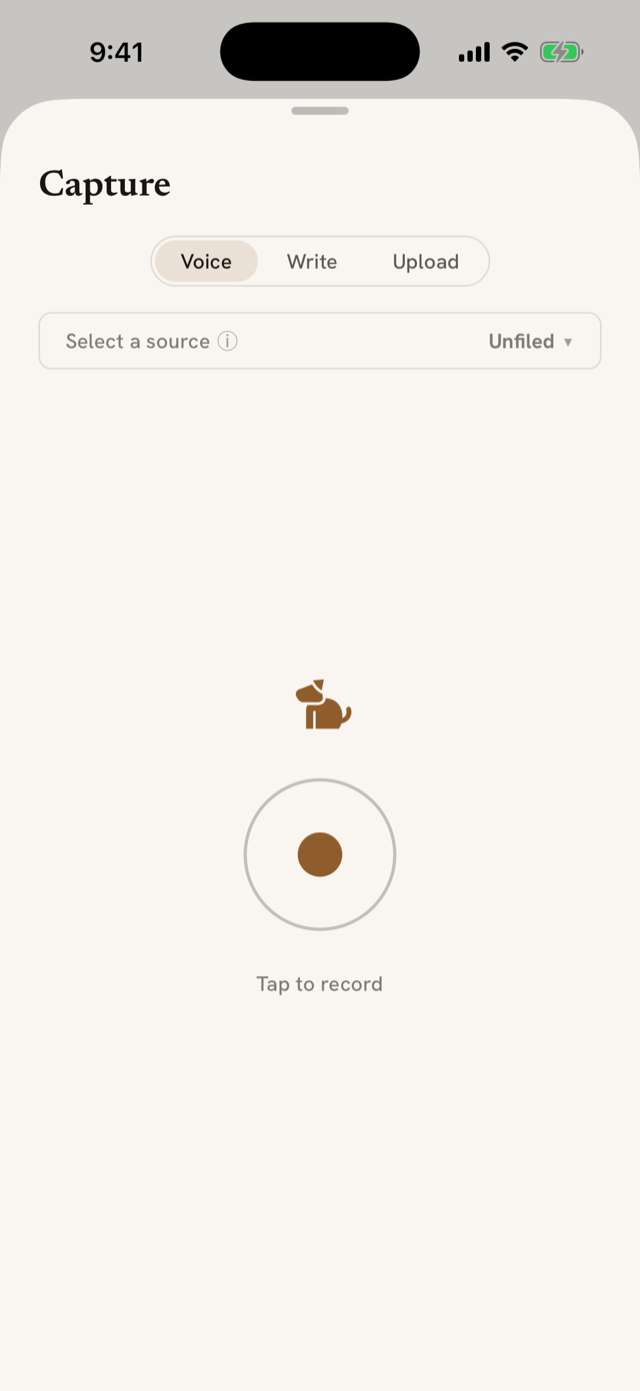
If you added the Ruxpin widget to your lock screen or home screen, tapping it drops you straight into a recording. That's the fastest path from "hm" to captured.
When you stop, the capture is transcribed, filed to the reading you picked (or Unfiled), and lands as an entry within seconds. Then the analysis fills in: your words, tidied but never summarized away, plus tags, themes, and any line that stood out. These come only from what you said, never from what the book is known for, so "I just started this one" gets little more than your words.
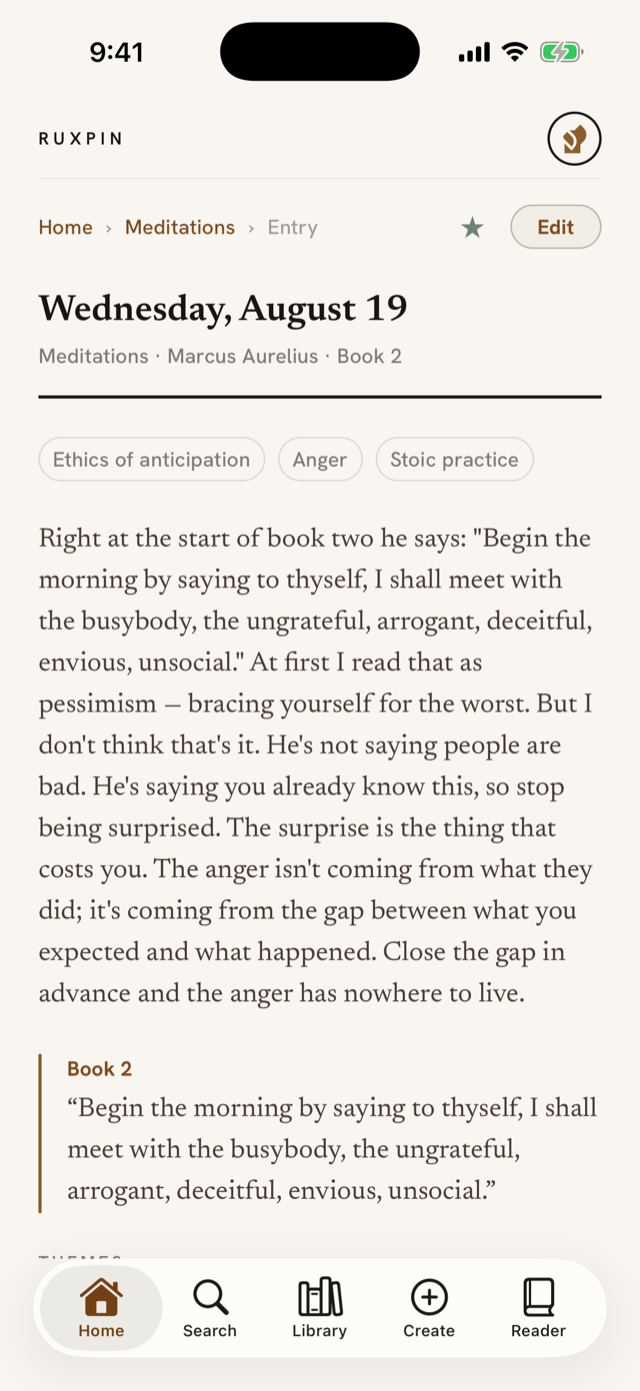
Every entry you file is listed on Home and in the Library. Tap one to read it, edit it, or tap Reflect in the Rux box at the foot of it to hear what Rux notices. An entry is headed by the day you captured it, with the source and its author underneath. That's the whole loop: speak, land, return to the book.
Putting Ruxpin on your Lock Screen
Put Ruxpin on your Lock Screen → at the foot of that card opens a short walkthrough for the fastest way in: press and hold your Lock Screen, tap Customize, choose the Lock Screen, tap the widget row under the clock, search "Ruxpin", and add Capture a thought, the one with the Ruxpin mark. Book in hand, phone locked, one tap. That's the whole point. It's skippable, and either way you come back to your entry.
If you skipped it, or skipped the first-run walkthrough entirely, those steps are still there: Profile → Preferences → Lock Screen widget opens the same page any time. For the home-screen widget instead, long-press your home screen → tap + → search "Ruxpin".
(If that first capture had no source to ask about, because you didn't name a book or nothing was heard, a Continue → button takes you onward instead.)
Your reading rhythm
New records start on a daily rhythm. Your streak counts each day you capture a thought. If a week goes by where you captured on only a day or two, Ruxpin offers once to switch you to weekly: a small card under your streak on Home, headed A suggestion. Tapping it asks before changing anything, so you can look without committing. Dismiss it with the ✕ or switch, and either way it won't ask again. Profile always has the daily/weekly toggle if you want to change it later.