Make: what Rux can make from your entries
3 min read
Rux makes things from what you have said about a book. Tap Make, beside his mark, and pick one.
Where to find it
Make sits in the small box under the heading of a single entry and of a book's page, next to Edit. Rux's line above his field says the same thing in his own words, and tapping it opens the same menu.
You can also just ask. Say "make me a study note from my Meditations thoughts" in the Rux box and he makes it there, handing it back as a card that opens the note. He asks which reading you mean if the name fits more than one, and makes nothing unless you ask.
On a single entry, whatever Rux makes comes from that one entry. On a book's page it comes from every entry filed under that book. A book with nothing filed shows no Make control, because there is nothing to make from. To make from some of a book's entries, open Create, tap Artifact, pick the source, and tick the ones you want; all of them is one tap.
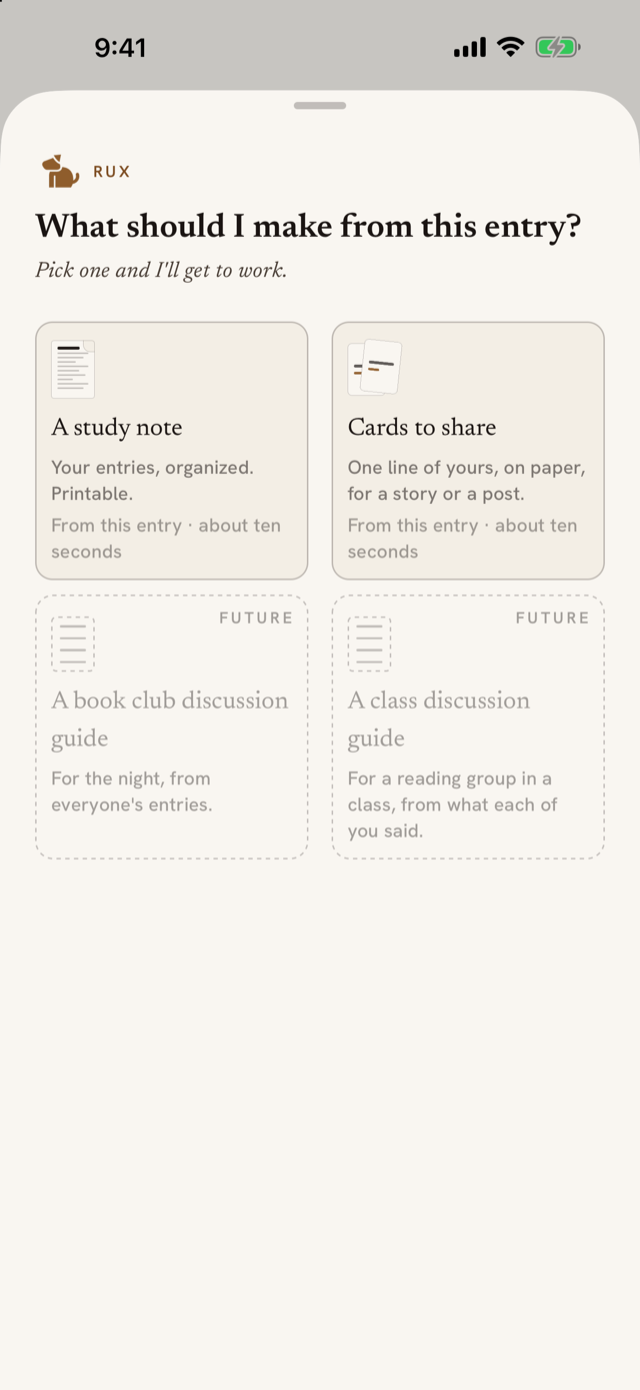
The menu
- A study note. Your entries, organized. Printable. Rux Notes explains the note itself: the slider, the marks, the PDF, the images and the cards.
- Cards to share. One line of yours, on paper, for a story or a post. Rux makes a short note from your words first, then draws the card from it. Nothing he adds ever goes on a card.
Tiles with a dashed edge and marked Future are not made yet: a discussion guide for a book club, and one for a class. They show what is coming; tapping them does nothing.
Before anything is made
Choosing a tile starts nothing. It shows what you get: what it is made of, what it looks like, what you can do with it, and how long it takes. For a study note the slider that sets how much Rux adds sits here too, with a small drawing of the sheet that gains dashed panels as you slide right. Then tap Make it.
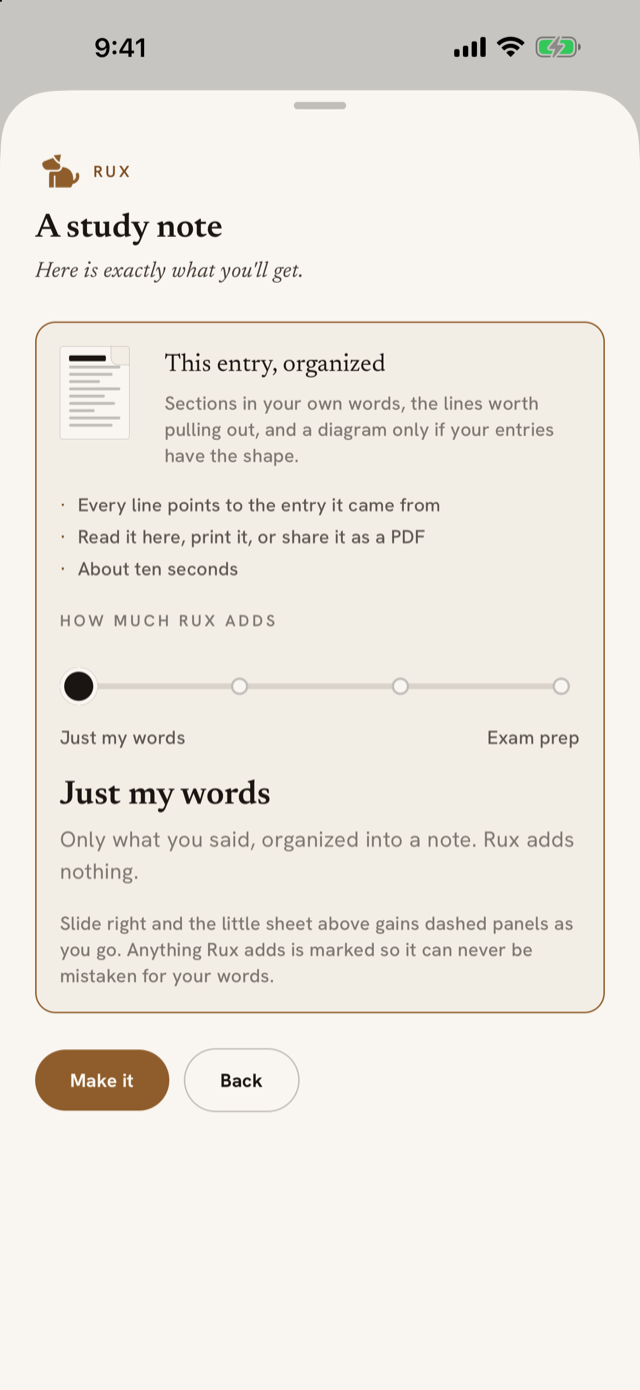
While Rux works
The sheet clears and the page warms while Rux reads your entries, finds their shape, and sets the page. The title appears as soon as it exists, and the whole thing takes about ten seconds. If it does not come together, Rux says why and you can try again.
When it arrives
The finished note rises into the page as a sheet with a folded corner. Rux's line above it says what was made, in your numbers: how many entries, how many sections, how many things he added. Four actions sit between him and the sheet.
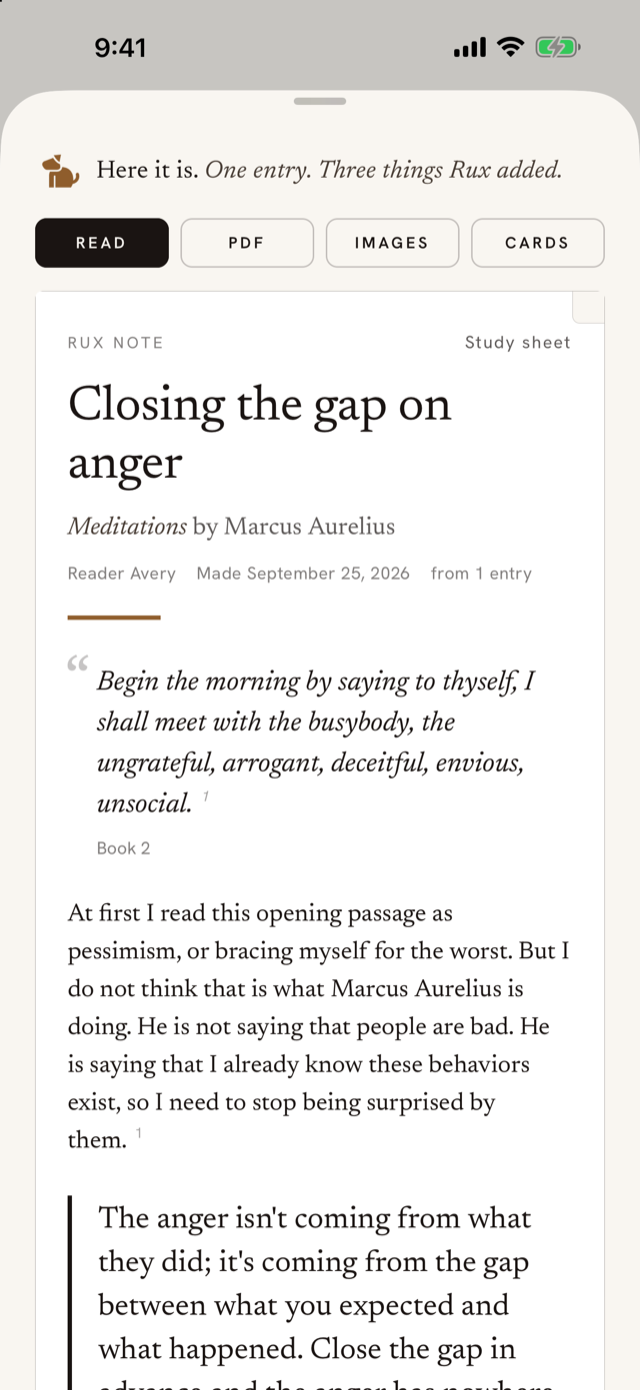
- Read settles the sheet so you can read the note in full.
- PDF makes a paginated PDF for the iOS share sheet.
- Images turns the note into pictures sized for your phone, one per screen, to save or share one at a time.
- Cards makes an image for a feed or a story, square or tall, carrying one line in your own words.
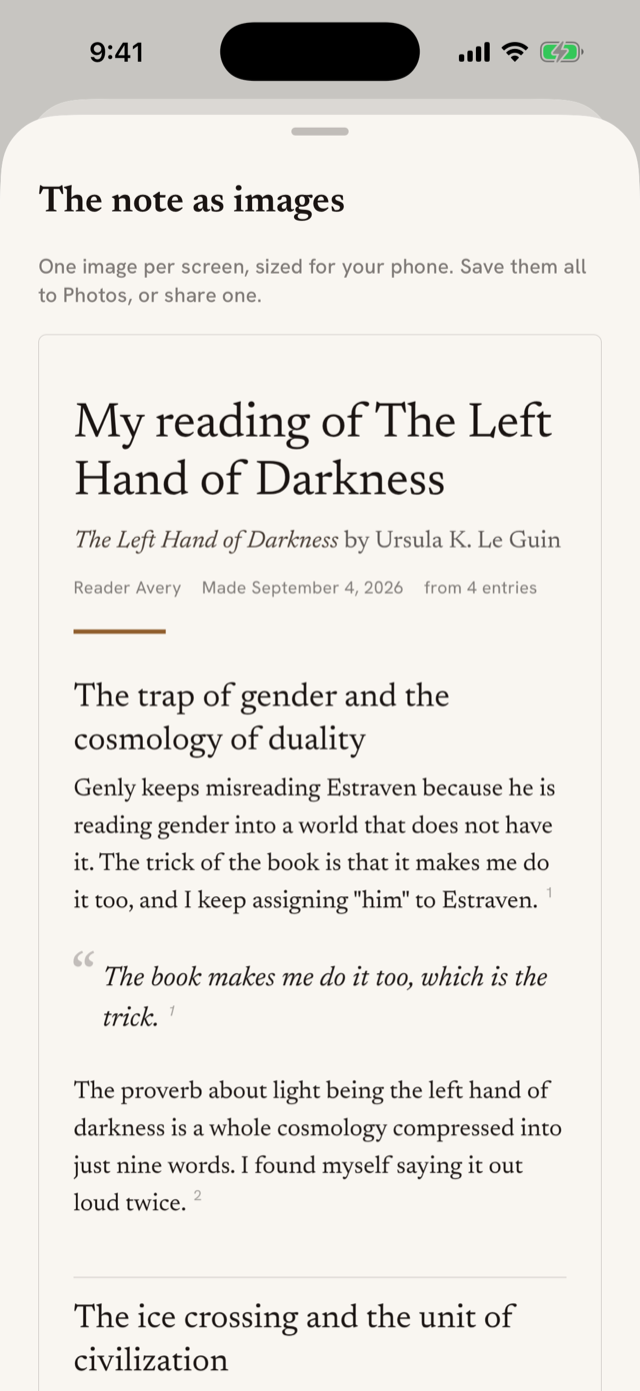
The note is kept the moment it is made: a small paper card on the page it came from, and under Rux Notes in your profile. Make again as entries arrive and the newest note takes the card's place.
What is sent
Making anything sends the entries involved, with the book's title and author, to the same AI service every other Ruxpin feature uses. AI processing and your OK has the disclosure; the same screen appears here if you said not now before. Making needs a connection, and the sheet says so when you are offline.